 DaVinciDreams
AI Video Editor
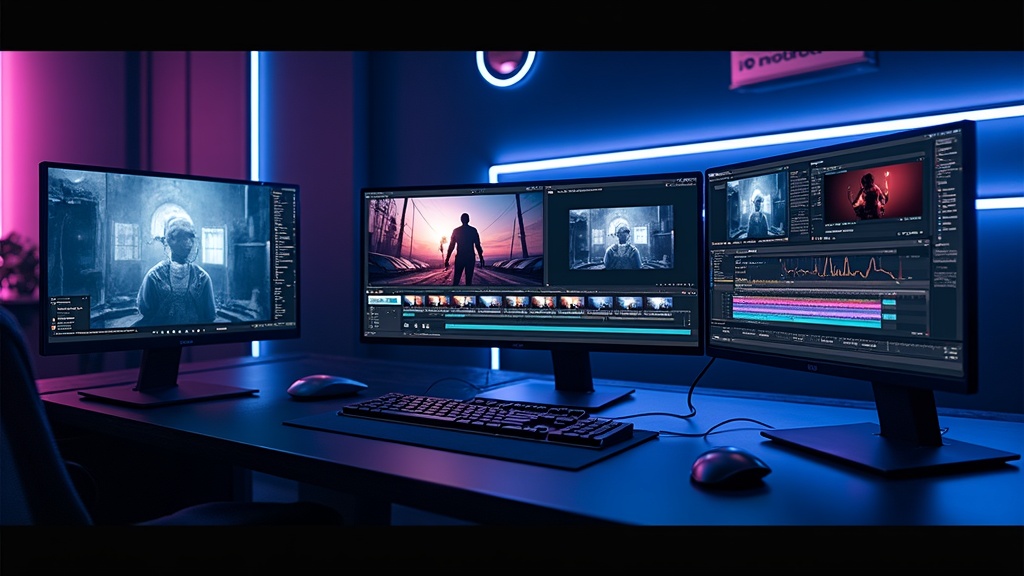
The professional AI-powered video editing platform. Multi-track timeline, 50+ AI models, real-time preview — everything you need to create stunning films.
 Start editing — it's free
What Makes an AI Video Editor Different
Traditional video editors require you to film or source all footage before you start cutting. An AI video editor like DaVinciDreams reverses this workflow entirely. You describe what you want — a sunset over Tokyo, a spaceship landing, a character walking through rain — and AI models generate the footage for you. The editor then provides a professional multi-track timeline where you arrange, trim, and composite these AI-generated clips alongside voiceover, music, and sound effects. This means anyone with a creative vision can produce professional-quality video content, regardless of budget, equipment, or filming experience. The AI handles the production; you focus on the story.
Real-Time Preview and Compositing
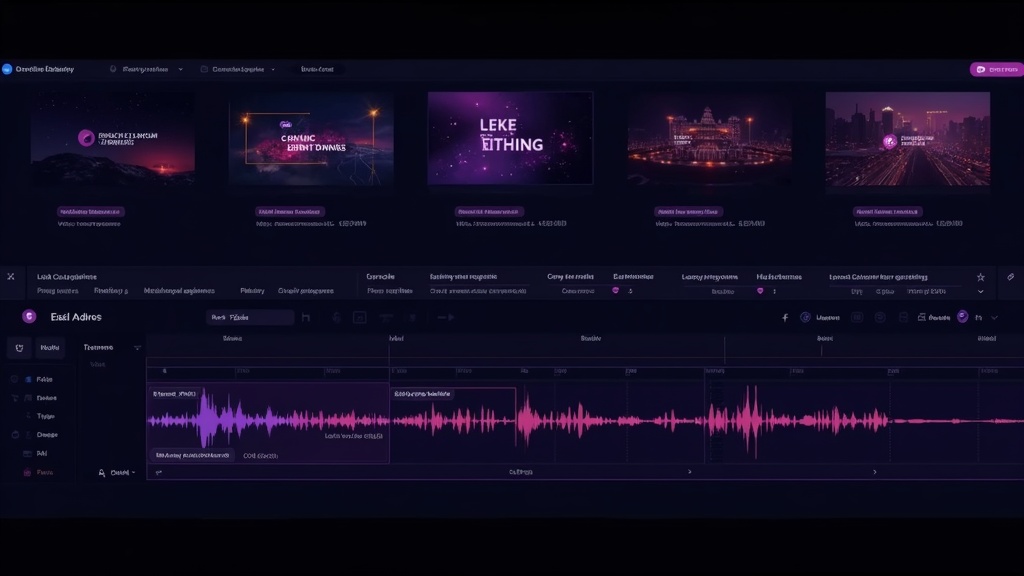
DaVinciDreams renders your entire composition live in the browser using Remotion. As you drag clips on the timeline, adjust opacity, or change audio levels, the preview updates instantly — no waiting for render passes. Each layer in your composition supports individual opacity, volume, trim points, and positioning controls. Stack a video background with a text overlay and a background music track, then preview the result in real time before committing to a final render. This compositing workflow mirrors what professional editors expect from tools like After Effects or DaVinci Resolve, but powered by AI-generated content and accessible entirely through your browser.
How It Works
Describe Your Film
Type a concept or paste a full script. The AI script generator expands your idea into structured scenes with prompts for every clip.
Generate Media
AI models create video clips, images, voiceover, music, and sound effects. Choose from 50+ models across 7 providers.
Edit and Export
Arrange clips on the multi-track timeline, adjust timing, add compositing layers, and export your finished film in HD or 4K.
Key Features
Who It's For
Solo Creators
Produce professional videos without a film crew, camera equipment, or post-production studio.
Marketing Teams
Generate product demos, explainer videos, and social media content at scale with consistent branding.
Educators
Create engaging educational videos, animated explainers, and visual course content from text outlines.
FAQ
What is an AI video editor?
An AI video editor combines traditional video editing tools like multi-track timelines with AI-powered generation. Instead of filming footage, you describe what you want and AI models create video clips, images, music, and sound effects automatically.
Is DaVinciDreams free to use?
Yes! DaVinciDreams offers a free tier with 50 image and audio generations per month. You can also bring your own API keys (BYOK) and pay providers directly, saving up to 40%.
Which AI models are supported?
DaVinciDreams supports 50+ AI models including Kling, Sora, Hunyuan, FLUX, DALL-E, ElevenLabs, Stability Audio, and more — all accessible through a single unified editor.