DDDaVinciDreams

Text to Movie AI

Type your story, get a movie. AI converts your text into a structured film with scenes, visual generation, voice acting, and an original soundtrack — all automated.

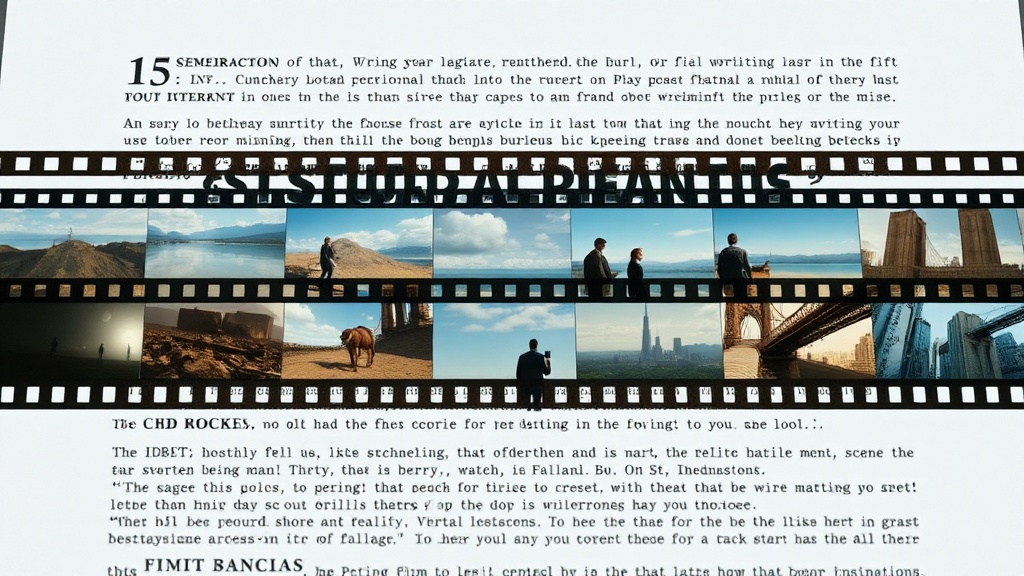
Text description flowing into a visual pipeline that produces a complete movie with multiple scenes and audioConvert your text to a movie — free

How Text Becomes a Movie

The text-to-movie pipeline in DaVinciDreams works in three stages. First, the AI script generator takes your text — whether it is a story, a description, or a set of bullet points — and restructures it into a cinematic screenplay with proper scene breaks, visual descriptions, and dialogue. Second, each scene is sent to specialized AI models: video generators create the footage, text-to-speech engines produce character voices, music models compose a soundtrack, and sound effect models generate ambient audio. Third, all generated media is assembled on a multi-track timeline with automatic scene ordering, crossfade transitions, and audio mixing. The entire process runs in the cloud, so you do not need any local processing power. You can watch the generation progress in real time and jump into the editor the moment your first scenes are ready.

Three-stage pipeline diagram: text analysis, AI media generation, and automatic timeline assembly

AI Models for Every Scene

Different scenes need different tools. An action sequence benefits from a fast, dynamic video model like Kling or Hunyuan. A still landscape works better as an AI-generated image with a slow zoom effect. Dialogue scenes need high-quality text-to-speech with emotional range. DaVinciDreams gives you access to 50+ AI models across 7 providers, and the platform suggests the best model for each scene type based on content, budget, and quality requirements. You can override these suggestions and choose any model from the registry, or let the platform optimize automatically. For music, the AI composes original scores that match the mood and pacing of each scene — tension builds during conflict, softens during emotional moments, and swells for climactic payoffs. Sound effects are generated contextually: rain sounds for outdoor scenes, crowd murmur for city shots, wind for landscapes. Every layer works together to create a cohesive cinematic experience from your text.

Model selection interface showing different AI models recommended for action, dialogue, and ambient scenes

How It Works

1

Write Your Story

Type or paste your story, description, or concept. The AI script generator converts it into a structured screenplay with scene breaks and prompts.

2

AI Creates Visuals

Video, image, and audio models generate all the media for each scene. The platform selects optimal models based on content and budget.

3

Add Music and Effects

AI composes a soundtrack and generates sound effects. Review the assembled movie on the timeline, make adjustments, and export.

Key Features

Full movie generation from plain text input
AI structures your text into scenes and acts
Automatic visual style matching per scene
Multi-voice AI dialogue and narration
AI-composed score with mood-adaptive music
Export to MP4 or professional NLE formats

Who It's For

Authors Adapting Books

Turn chapters, short stories, or entire novels into visual films. See your written worlds come to life with AI-generated cinematography.

Storyboard Artists

Convert storyboard descriptions into animated previews with real video clips, voice, and music — faster than drawing every frame.

Educational Content

Transform lesson plans, historical narratives, and educational texts into engaging video content for classrooms and online courses.

FAQ

How does text to movie AI work?

You provide any text — a story, idea, or outline. The AI script engine structures it into movie scenes with timing, camera directions, and dialogue. Then video, image, voice, and music models generate each scene. The result is a playable movie.

Can I make a feature-length movie from text?

Yes. DaVinciDreams scales from 30-second clips to feature-length films. Longer movies use more powerful LLMs for script generation and cost more credits, but there is no hard length limit.

How is text to movie different from text to video?

Text to video generates single clips. Text to movie creates a complete multi-scene film with narrative structure, scene transitions, dialogue, music, and sound design — a full production from a single input.