 DaVinciDreams
AI Film Creator & Editor
You have a story to tell. You just don't have a film crew, a studio, or six months of post-production. Describe your idea — AI writes the script, generates every scene with Kling, Veo, Hailuo and 50+ models, and you edit everything in a professional AI timeline. Export directly to DaVinci Resolve and Adobe Premiere Pro.
 Create your first film — free
From Idea to Finished Film — No Script Needed
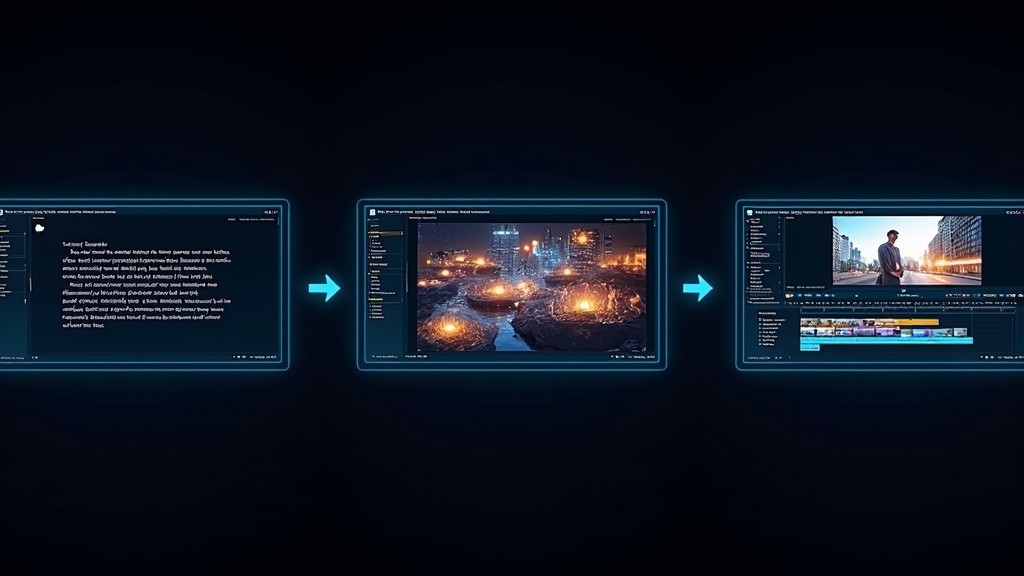
You don't need to write a screenplay. Describe your film idea in a sentence — 'a noir detective story in Tokyo' or 'a documentary about ocean pollution' — and the AI writes a complete script with scenes, camera directions, dialogue and music cues. Then 50+ AI models generate everything: video clips with Kling, Veo or Hailuo, voiceover with ElevenLabs, background music and sound effects. The entire process takes minutes. Your characters stay visually consistent from the first scene to the last — no more AI face morphing.
AI Cutting, Timeline Editing & Pro Export
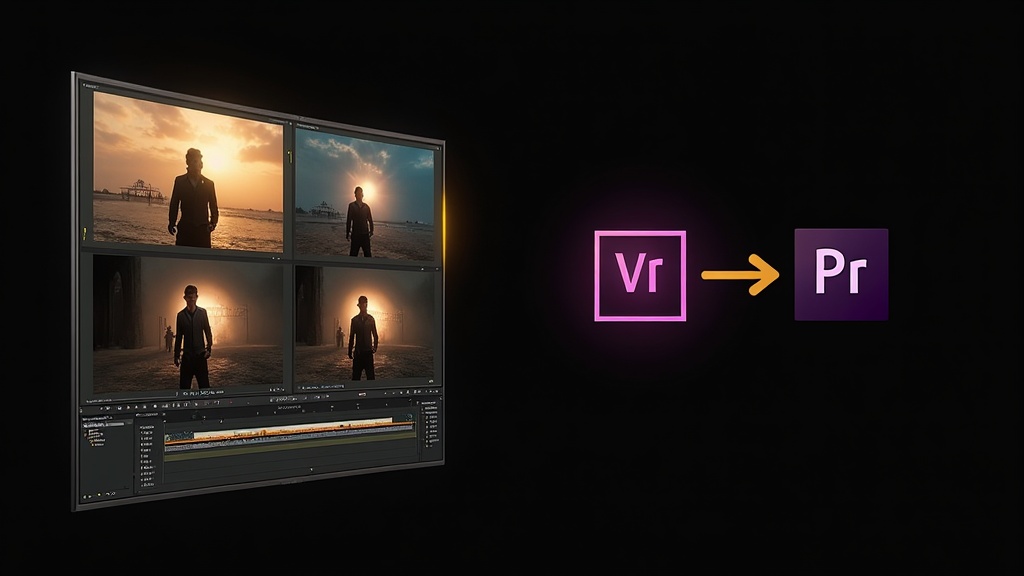
DaVinciDreams is the only AI video creator with a real timeline editor. After generation, you cut, trim and arrange clips just like in DaVinci Resolve or Adobe Premiere Pro — but with AI generation built right in. Reorder scenes, mix audio, add transitions between clips, and adjust timing with frame-level precision. When you're done, export directly to DaVinci Resolve or Adobe Premiere Pro as FCPXML — with all clips, audio stems and timeline structure intact. No other AI tool does this.
How It Works
Describe Your Idea
Type your film concept in a sentence or paragraph. AI writes the full script with scenes, shots, and audio cues.
AI Generates Everything
Choose from Kling, Veo, Hailuo and 50+ models. AI creates video, voiceover, music and sound effects for every scene.
AI Cutting & Export
Cut, trim and arrange in the AI timeline. Add transitions, mix audio, then export to DaVinci Resolve or Adobe Premiere Pro.
Key Features
Who It's For
Filmmakers
Turn ideas into short films without waiting for funding, hiring a crew, or renting equipment. Go from concept to finished film in hours.
YouTubers & Content Creators
Produce professional videos fast — AI creates everything from your idea. Edit in the timeline and publish directly to your channel.
Agencies & Studios
Scale content production at 10x the speed. Generate ads, explainers and branded films with AI, then export to your existing DaVinci Resolve or Premiere workflow.
Anyone with a Story
You have a story to tell and no film crew to tell it. DaVinciDreams is your AI-powered production studio — from idea to screen in minutes.
FAQ
How does the AI Film Creator work?
Describe your film idea in a sentence or a paragraph. The AI writes a complete script with scenes, camera directions and dialogue. Then AI models like Kling, Veo and Hailuo generate video clips, while ElevenLabs creates voiceover and music is composed automatically. You edit everything in the built-in AI timeline with cutting, trimming and transitions — then export to DaVinci Resolve or Adobe Premiere Pro.
Which AI models can I use for video creation?
DaVinciDreams includes 50+ AI models across 7 providers. For video: Kling, Veo, Hailuo, Pika, Luma and Flux. For voice: ElevenLabs and OpenAI TTS. For music: DiffRhythm and Music-U. You pick the best model for each scene — or bring your own API keys for zero markup.
Can I export my AI film to DaVinci Resolve or Adobe Premiere Pro?
Yes — DaVinciDreams is the only AI video creator that exports directly to professional editing software. Export as FCPXML to open your project in DaVinci Resolve, Adobe Premiere Pro or Final Cut Pro with all clips, audio tracks and timeline structure intact.
How does character consistency work?
Define your characters once with reference images. The AI injects these visual references into every generation prompt, keeping faces and appearances consistent across all scenes — no more morphing or changing faces between clips.
How much does it cost to create an AI film?
The free tier includes image and audio generation at no cost. Video generation starts at $0.03 per clip with Hunyuan Fast. A 2-minute short film costs roughly $4-10. Bring your own API keys (BYOK) to pay provider prices with zero markup.
What is AI cutting and how does the timeline work?
The AI timeline editor works like DaVinci Resolve or Adobe Premiere Pro — but with AI generation built in. Cut, trim and arrange clips, add transitions, mix audio tracks, and adjust timing. Three editing modes: Structured (snap to grid), Free (pixel-perfect), and Hybrid.