 DaVinciDreams
AI Film Editor
Professional film editing meets artificial intelligence. Build multi-scene films with AI-generated video, dialogue, music, and effects — all on a compositing timeline.
 Start editing your film — free
From Script to Screen with AI
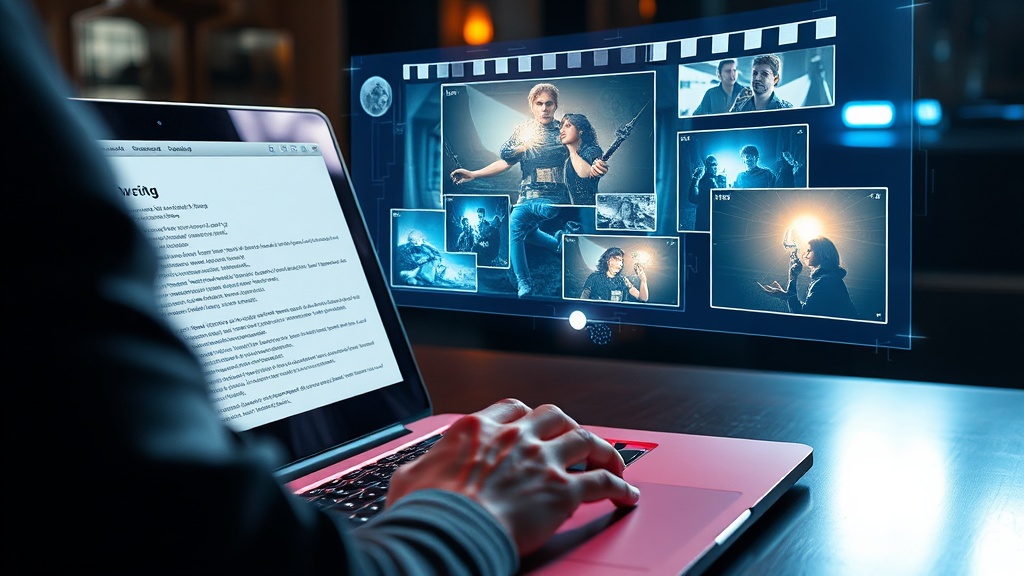
Making a film used to require a crew, locations, actors, and months of post-production. DaVinciDreams replaces that entire pipeline with AI. You start with a script — or just a one-line concept — and the platform's script generator breaks it down into structured scenes, each with detailed prompts for video, audio, and visual effects. AI models from seven providers then generate the footage, voiceover, music, and sound effects for every scene automatically. The result is a complete film timeline you can review, rearrange, and refine in the browser-based editor. Whether you're producing a five-minute short or a feature-length project, the AI handles the heavy lifting while you maintain full creative control over pacing, tone, and visual style. No filming equipment, no render farm, no production budget required.
Professional Film Editing Tools
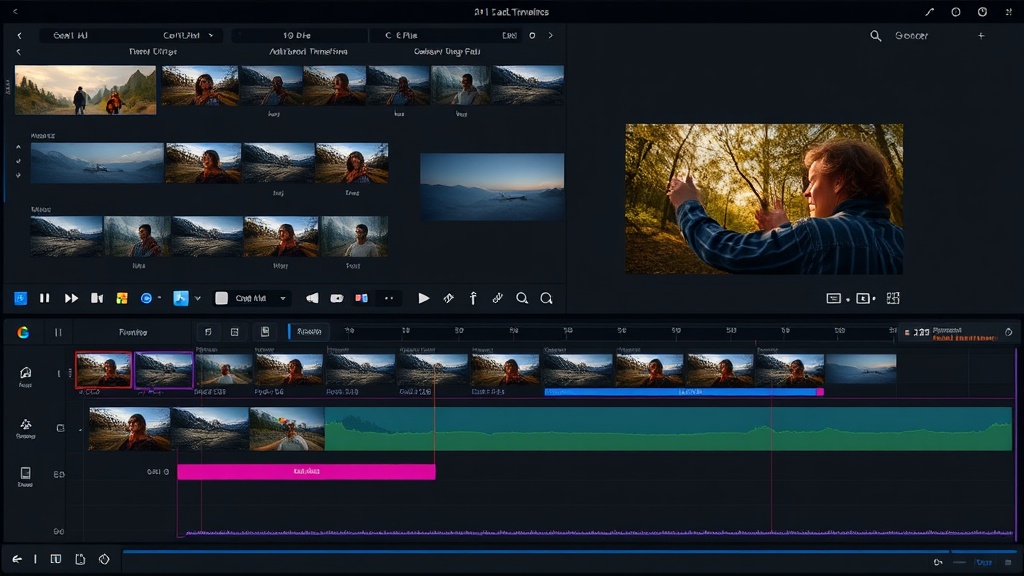
Once your scenes are generated, DaVinciDreams provides a professional editing environment that rivals desktop tools. The multi-track timeline supports unlimited video, audio, and text layers with individual opacity, volume, and trim controls. Drag clips between tracks, split and rearrange scenes, and adjust transition timing with frame-level precision. The real-time browser preview — powered by Remotion — updates instantly as you make changes, so you never wait for a render pass to see your edits. Compositing controls let you layer titles over footage, blend multiple video tracks, and mix background music with dialogue and sound effects. When your edit is locked, export in HD or 4K using cloud-based rendering on AWS Lambda. The entire workflow happens in your browser — no software installation, no file management, no compatibility issues.
How It Works
Write Your Script
Type a concept or paste a full screenplay. The AI script generator structures it into scenes with prompts for every clip, voice line, and music cue.
Generate Every Scene
AI models create video clips, images, voiceover, music, and sound effects for each scene. Choose from 50+ models across 7 providers.
Edit and Export
Arrange scenes on the multi-track timeline, fine-tune pacing and audio, add compositing layers, and export your finished film.
Key Features
Who It's For
Independent Filmmakers
Produce narrative films without a crew, camera equipment, or production budget. Go from script to finished film in hours, not months.
Film Students
Learn film editing, pacing, and storytelling by producing complete films with AI-generated footage. Focus on craft, not logistics.
Content Studios
Scale film production for clients by generating and editing content faster than traditional workflows allow.
FAQ
What makes DaVinciDreams different from other AI film editors?
DaVinciDreams is built specifically for film production, not just clip generation. It offers a full compositing timeline, scene-level structure, tension curve scripting, and export to professional NLEs — something no other AI video tool provides.
Can I edit AI-generated footage frame by frame?
Yes. The multi-track timeline lets you trim, reposition, and layer AI-generated clips with frame-level precision. You can adjust opacity, volume, and compositing for each element independently.
Does DaVinciDreams support professional export formats?
Yes. Export your projects as FCPXML for DaVinci Resolve, Final Cut Pro, or Adobe Premiere. You can also render directly to MP4 in HD or 4K via Remotion cloud rendering.