AI Video from Script
Already have a script? Upload it and let AI generate matching video for every scene — complete with voiceover, music, and sound effects.
Turn your script into video — freeScript Analysis and Scene Generation
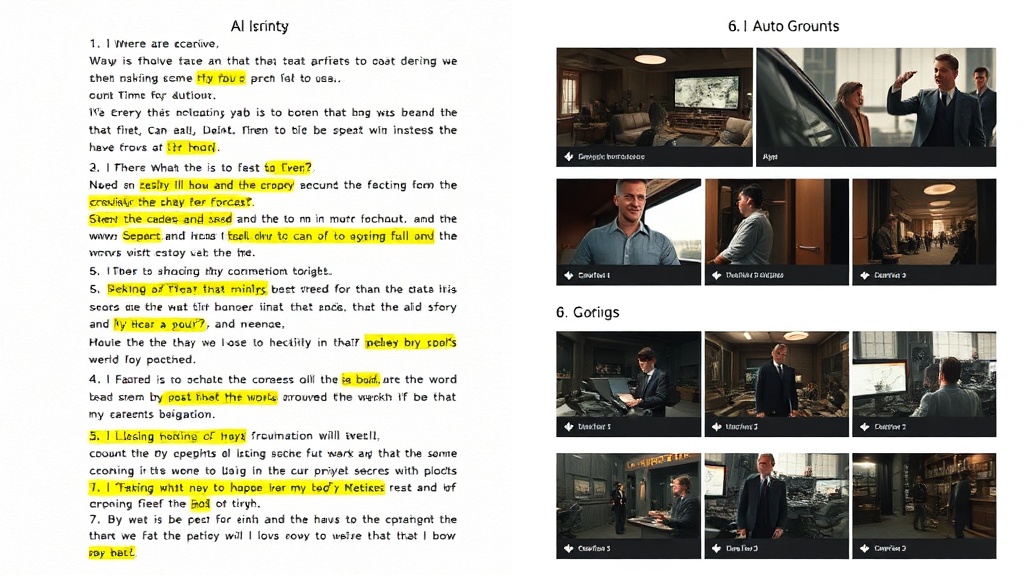
DaVinciDreams reads your script like a director would. Paste a screenplay, a blog post, a training manual, or any structured text, and the AI script analyzer breaks it down into discrete scenes. For each scene, the platform identifies the visual setting, characters present, key actions, emotional tone, and pacing requirements. It then writes specific prompts for the video generation model — describing camera angles, lighting conditions, subject positioning, and movement. Dialogue lines are routed to text-to-speech models with character voice profiles, while scene transitions get automatic music cues and sound effects. This is not simple text-to-image conversion — it is intelligent screenplay analysis that understands narrative structure, dramatic beats, and cinematic language. The result is a complete video timeline where every scene faithfully represents your written script.

Automatic Shot Composition
Professional filmmaking follows compositional rules — the rule of thirds, leading lines, depth of field, eye-level framing. DaVinciDreams encodes these principles into the prompts it generates for AI video models. When your script says

How It Works
Paste Your Script
Copy your screenplay, blog post, training script, or any structured text into the generator. The AI analyzes structure, dialogue, and scene descriptions.
AI Breaks Down Scenes
The platform identifies scenes, characters, settings, and emotional beats. It generates specific prompts for video, voice, music, and sound effects.
Video Generated
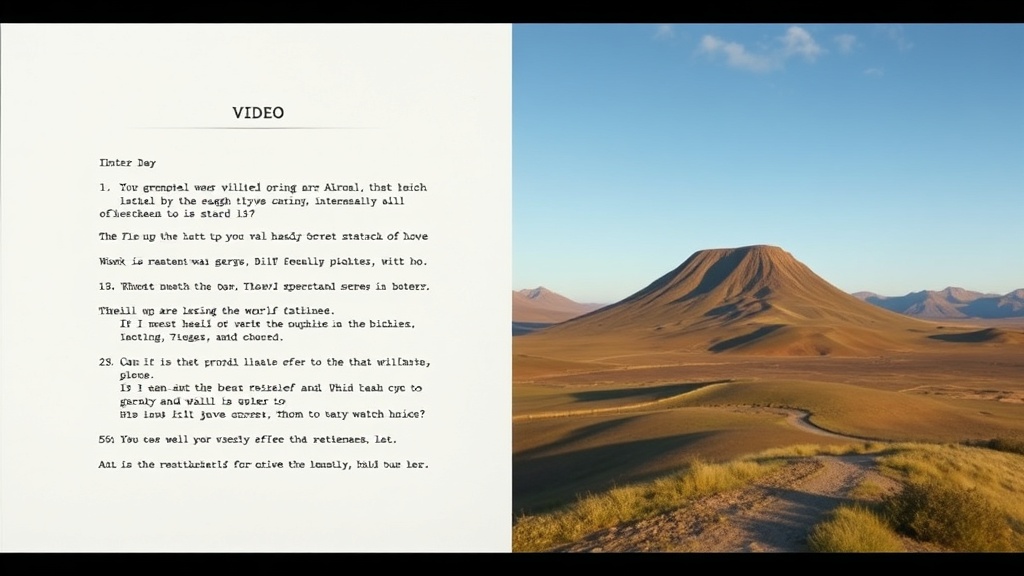
AI models produce video clips, voiceover, and music for each scene. Review on the timeline, make adjustments, and export your finished video.
Key Features
Who It's For
Screenwriters
Visualize your screenplays before pitching. Turn written scripts into video previews that show producers exactly what you envision.
YouTube Creators
Convert video scripts and outlines into produced videos with AI visuals, voiceover, and background music — no filming required.
Corporate Training
Transform training documents and standard operating procedures into engaging video content for employee onboarding and education.
FAQ
Can I use my own script with DaVinciDreams?
Yes. Paste your script or outline into the generator. The AI analyzes scene structure, generates video and images for each scene, adds voiceover, and composes a matching soundtrack. You retain full editing control.
What script formats are supported?
DaVinciDreams accepts any plain-text script, screenplay, storyboard outline, or scene breakdown. The AI understands narrative structure, scene headings, and dialogue automatically.
Can I change the visuals after generating from a script?
Absolutely. Every generated clip, image, and audio track is fully editable on the timeline. Regenerate individual scenes with different models, adjust prompts, or swap elements freely.