AI Music Video Creator
Create stunning music videos without a film crew. Upload your track or generate AI music, then let 50+ AI models create synchronized visual scenes in any style.
Create your music video — freeAI Visuals That Match Your Music
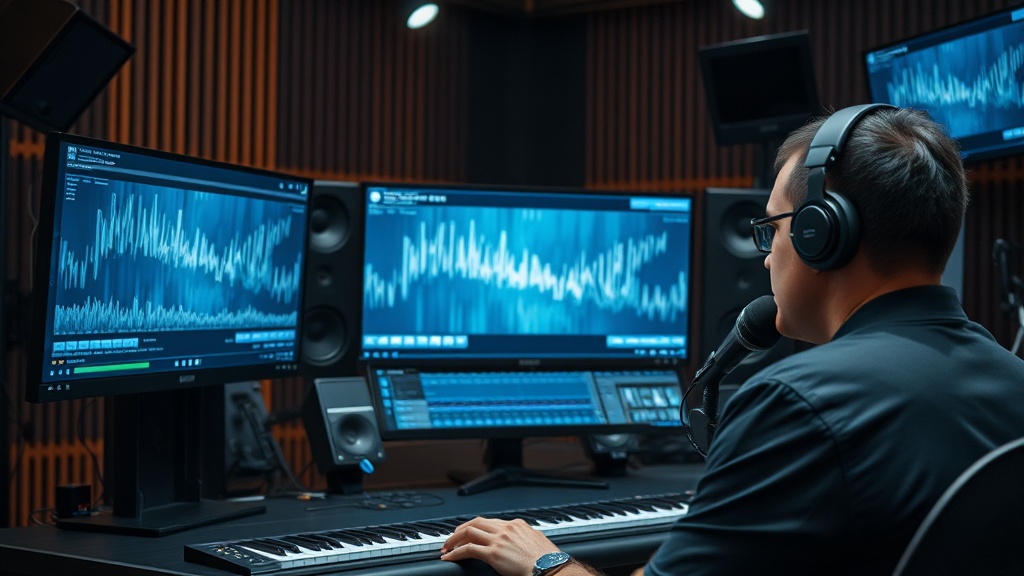
Music videos are about synchronization — the visuals need to feel like they belong with the sound. DaVinciDreams approaches this by letting you describe the visual narrative you want for your track, then generating AI video clips that match the mood, energy, and pacing of each section. Upload your track or describe the music's feel, and the AI script generator creates a visual storyboard: slow, atmospheric shots for the intro, dynamic motion for the chorus, intimate close-ups for the bridge. Each section gets its own AI-generated video clips with style consistency maintained across the entire video. The multi-track timeline lets you align visual cuts to musical beats with frame-level precision. Layer multiple video tracks for split-screen effects, add text overlays for lyrics, and composite abstract visual effects over your footage. The result is a professional music video that feels intentionally crafted, not randomly assembled.

Sync, Style, and Publish
Creating a music video with DaVinciDreams follows a streamlined workflow. First, choose your visual style from 12 presets — cinematic for dramatic narratives, anime for stylized visuals, noir for moody atmospheres, pixel art for retro aesthetics, or any other style that fits your track's identity. The style preset ensures visual consistency across all generated scenes, so your video has a cohesive look from start to finish. Next, describe the visual narrative for each section of your song: the mood, the setting, the characters, the movement. The AI generates video clips matching these descriptions in your chosen style. On the timeline, align visual transitions to beat drops, build visual intensity during crescendos, and create breathing room during quieter passages. Export in HD or 4K, ready for YouTube, Spotify Canvas, social media, or live performance visuals. The entire process — from concept to publishable music video — takes hours, not the weeks and thousands of dollars a traditional production requires.

How It Works
Upload or Describe Music
Upload your audio track or describe the music's mood, tempo, and genre. The AI creates a visual storyboard matched to the music's structure.
Choose Visual Style
Select from 12 style presets — cinematic, anime, noir, watercolor, and more. The style applies consistently across all generated scenes.
Generate and Sync
AI models generate video clips for each section. Align visuals to beats on the timeline, add effects, and export your finished music video.
Key Features
Who It's For
Independent Musicians
Produce professional music videos without a director, crew, or production budget. Release visual content alongside every track.
Record Labels
Scale music video production across your roster. Generate visual content for singles, albums, and social media campaigns quickly and affordably.
Music Producers
Create visual accompaniments for beats, instrumentals, and mixes. Add visual identity to your production portfolio.
FAQ
Can I upload my own song for the music video?
Yes. Upload your audio track (MP3, WAV, or FLAC) and DaVinciDreams generates matching visual scenes. The AI analyzes tempo, mood, and structure to create synchronized visuals for each section of your song.
Can AI generate both the music and the video?
Absolutely. DaVinciDreams includes AI music models (Stability Audio, ACE-Step) and AI vocal generation (ElevenLabs, OpenAI). Generate the full soundtrack and the music video visuals in one workflow.
What visual styles work best for music videos?
It depends on the genre. Cinematic and noir styles suit dramatic tracks. Anime and pixel art work great for electronic music. Abstract and watercolor are popular for ambient and indie tracks. You can mix styles across scenes.
Which audio formats can I upload?
DaVinciDreams accepts MP3, WAV, and FLAC audio files. Upload your track directly in the browser — no conversion needed. The platform analyzes tempo, structure, and mood to generate matching visuals.
Can I use copyrighted music in my AI music video?
You can upload any audio you have the rights to use. For royalty-free options, DaVinciDreams generates original AI music with Stability Audio and ACE-Step — starting at $0.0005 per second. These AI-generated tracks are safe for commercial use.