 DaVinciDreams
Pixel Art AI Video Style
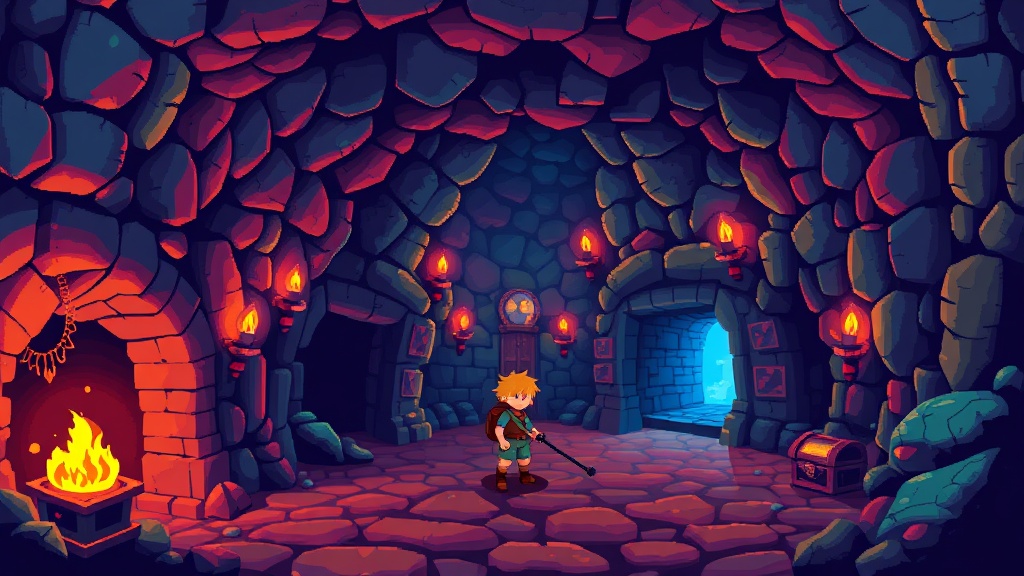
Embrace the charm of 8-bit visuals with chunky pixels, limited color palettes, and the nostalgic energy of retro gaming.
 Create Pixel Art Videos
What is the Pixel Art Style?
Pixel art is the visual language of early video games — a deliberate aesthetic where every individual pixel is a conscious design decision. Unlike photographic imagery where millions of pixels blend together transparently, pixel art makes each square of color visible and intentional. The style emerged from the hardware limitations of 1980s and 1990s game consoles: the NES displayed 54 colors from a palette of 52, the Game Boy managed 4 shades of green, and the SNES expanded to 256 colors per background layer. These constraints forced artists to develop techniques that remain influential today — dithering (alternating pixels to simulate intermediate colors), anti-aliased outlines for smooth curves at low resolution, and carefully chosen limited palettes that maximize readability. Modern pixel art has evolved beyond pure nostalgia into a respected art form: games like Celeste, Hyper Light Drifter, and Stardew Valley demonstrate that pixel art can be emotionally powerful and visually sophisticated. In DaVinciDreams, this style applies pixel-art conventions to AI generation, creating content for retro-themed projects, game development, chiptune music videos, nostalgia marketing, and indie film title sequences.
Creating Pixel Art Videos with AI
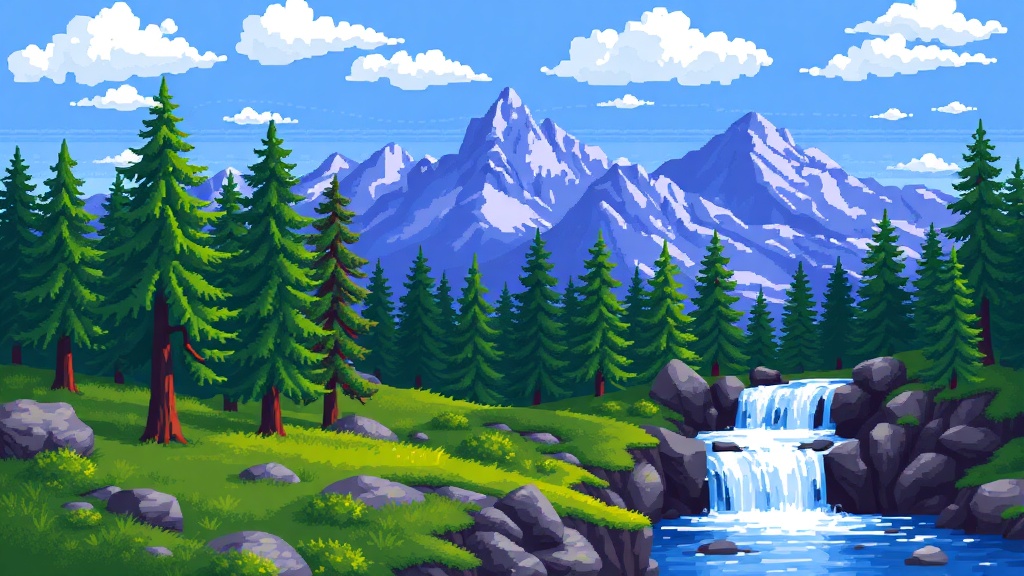
The pixel art style adds "pixel art style, 8-bit, retro game aesthetic, limited color palette, chunky pixels" to your prompts, directing AI models toward outputs with visible pixel grid, restricted color counts, and the compositional conventions of classic game art. Detail controls tune the era and sub-style. Color palette on auto produces a vibrant 16-bit palette; warm creates the amber and orange tones of sunset levels in platformers; cold delivers the icy blues and whites of ice-world stages; desaturated produces the muted tones of Game Boy-era graphics with limited color range; monochrome creates stark 1-bit art (black and white only, like early Macintosh games). Film grain should stay clean for crisp pixel boundaries — the core aesthetic depends on sharp, unblurred pixel edges. Light grain can add a CRT scanline effect, while heavy creates a VHS-degraded retro look. Lighting in pixel art is achieved through color value rather than realistic illumination — high-key creates bright, cheerful game aesthetics, while low-key produces the darker palette of dungeon crawlers and horror pixel games. Static and smooth camera styles work best, maintaining the grid alignment that pixel art requires.
Best Models for Pixel Art Style
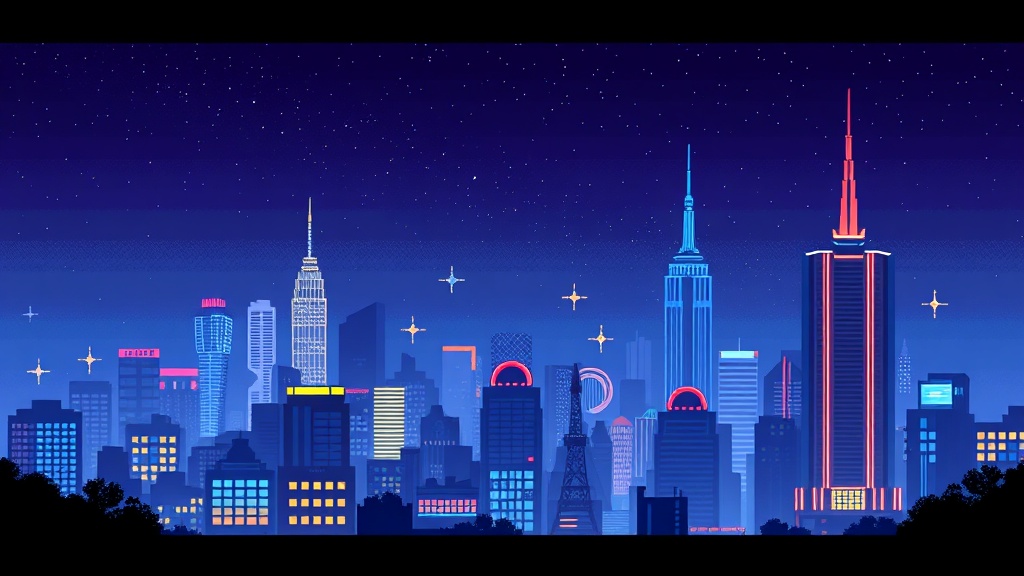
Pixel art generation requires models that can produce clean, grid-aligned pixels without anti-aliasing blur that would destroy the aesthetic. This is technically challenging because most AI models are trained to produce smooth, high-resolution outputs. FLUX Dev handles pixel art surprisingly well — when combined with the pixel art prompt prefix, it generates imagery with visible pixel structure, limited color palettes, and proper dithering techniques. DALL-E 3 creates pixel art with strong compositional sense, producing scenes that feel like actual game environments with foreground, midground, and background layers at appropriate pixel densities. For pixel art video and animation, Wan 2.6 maintains pixel grid consistency across frames better than competing models, producing smooth animation without sub-pixel jitter. Hunyuan Fast offers budget-friendly pixel art video for longer sequences. FLUX 1.1 Pro generates higher-resolution pixel art suitable for the HD pixel art trend (large visible pixels at 1080p+). For character sheet consistency, Ideogram 3.0 with reference images ensures your pixel character retains the same design and color palette throughout a game cinematic or animated short.
Specifications
Key Features
FAQ
What is the Pixel Art style in DaVinciDreams?
The Pixel Art style generates AI video and images with the retro game aesthetic of 8-bit and 16-bit era visuals: chunky visible pixels, limited color palettes, dithering techniques, and the nostalgic charm of classic video game art.
Which AI models work best with the Pixel Art style?
FLUX Dev generates the cleanest pixel art with proper grid alignment and dithering. DALL-E 3 creates pixel art with strong game-environment composition. For pixel art video, Wan 2.6 maintains the most consistent pixel grid across frames.
Can I customize the Pixel Art style?
Yes. Choose from vibrant 16-bit palettes to stark 1-bit monochrome. Add optional CRT scanline effects or VHS degradation. Adjust lighting through color value mapping for bright platformer or dark dungeon aesthetics. Grid-aligned camera styles ensure smooth pixel animation.