 DaVinciDreams
Anime AI Video Style
Generate studio-quality anime with cel shading, vibrant palettes, and expressive characters — no drawing skills required.
 Create Anime Videos
What is the Anime Style?
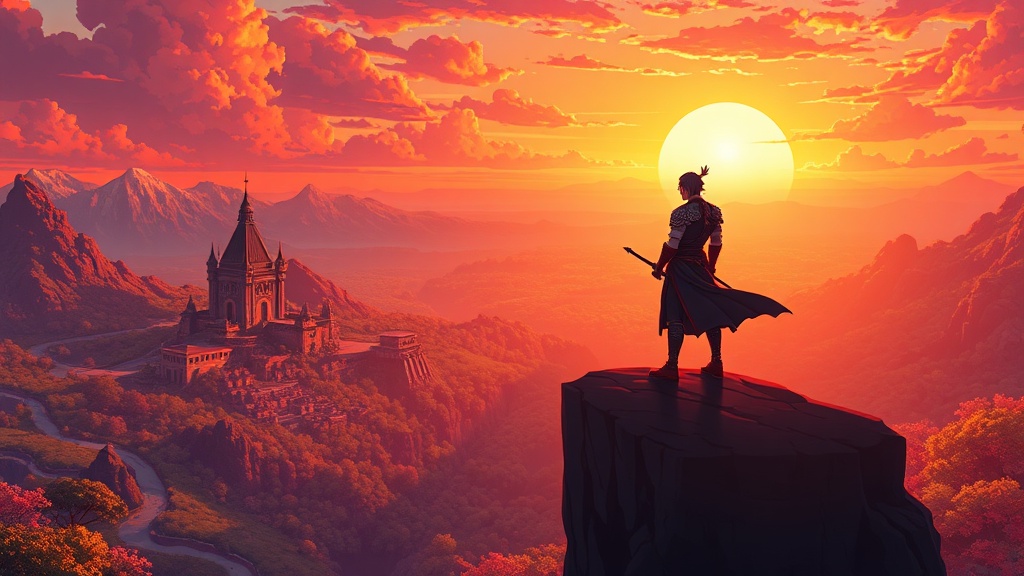
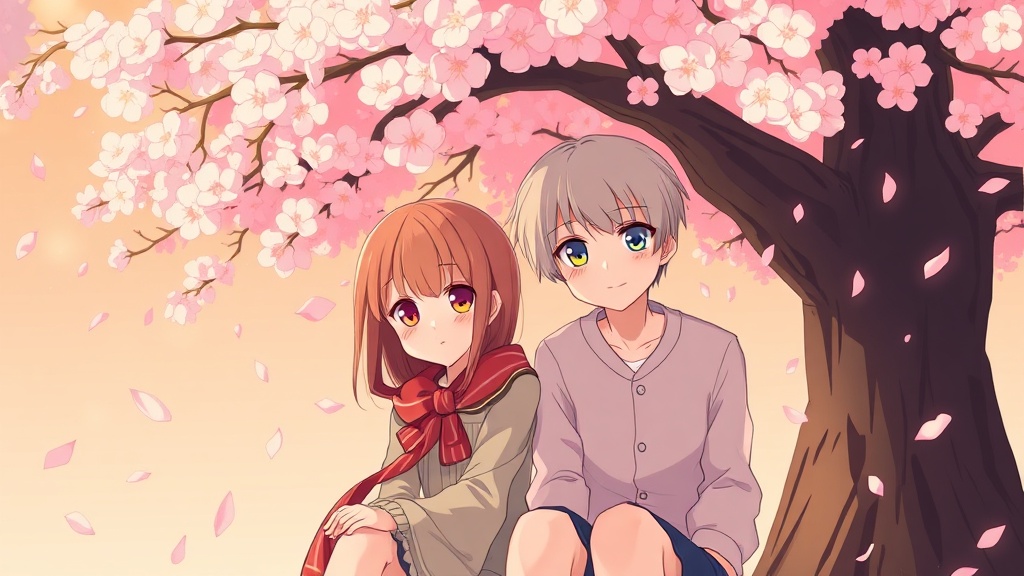
The anime style in DaVinciDreams reproduces the visual conventions of Japanese animation studios — cel shading with clean color fills, bold character designs with oversized expressive eyes, dynamic action lines, and saturated color palettes that pop off the screen. Rooted in traditions spanning from Astro Boy to modern productions by studios like Ufotable and MAPPA, this style encompasses both the hand-drawn warmth of classic TV anime and the polished shine of theatrical features. Character expressions follow anime conventions: large emotional eyes, speed lines for motion, dramatic wind effects on hair and clothing, and reaction shots that exaggerate for comedic or emotional impact. Backgrounds range from watercolor-influenced pastoral scenes to hyper-detailed cityscapes. This style is perfect for narrative animation, fan projects, visual novels, manga adaptations, and any content that benefits from the energy and expressiveness unique to anime. DaVinciDreams captures these qualities through prompt engineering that emphasizes cel shading, vibrant color, and studio-level polish.
Creating Anime Videos with AI
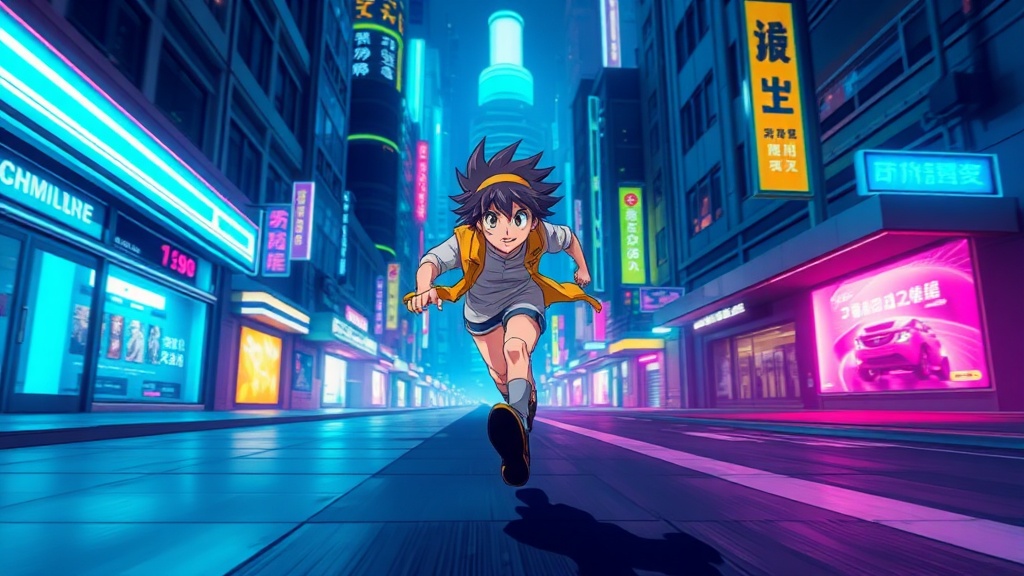
When you apply the anime style, DaVinciDreams adds "anime style, cel shading, vibrant colors, expressive characters, studio quality" to your prompts. This steers models toward flat-shaded characters with clean outlines, saturated backgrounds, and the exaggerated proportions that define anime aesthetics. The color palette control is especially powerful here: auto produces standard anime vibrancy, warm shifts toward golden evening tones common in slice-of-life series, cold creates the blue steel palette of mecha and sci-fi anime, desaturated mimics the muted tones of psychological drama, and monochrome produces striking ink-wash effects. Film grain should generally stay on clean for crisp cel boundaries, though light grain adds a nostalgic VHS-era anime feel. Lighting modes transform the mood — high-key suits school comedies and idol shows, while low-key creates the dramatic chiaroscuro of action anime. Camera style choices include smooth for dialogue scenes, dramatic for battle sequences with dynamic angles, and static for establishing shots. These controls combine to cover the full range from Ghibli softness to Attack on Titan intensity.
Best Models for Anime Style
Anime generation requires models that handle flat color fills, clean line work, and the specific proportions of anime character design without drifting into uncanny realism. Wan 2.6 consistently produces the most authentic anime video output — its training includes substantial anime-adjacent data, yielding smooth character animation with proper in-betweening and consistent line weight across frames. Hunyuan Fast offers rapid anime generation at a fraction of the cost, making it ideal for producing large quantities of anime B-roll and establishing shots. LTX 2.3 handles complex multi-character anime compositions where several characters interact in the same frame. For anime stills and key frames, FLUX Dev generates crisp cel-shaded illustrations with beautiful background art, while DALL-E 3 excels at dramatic posed character shots with strong compositional balance. Ideogram 3.0 is valuable for maintaining character consistency across scenes when using reference images, ensuring your protagonist looks the same from episode to episode.
Specifications
Key Features
FAQ
What is the Anime style in DaVinciDreams?
The Anime style generates AI video and images that match Japanese animation aesthetics: cel shading, vibrant saturated colors, expressive character designs with large eyes, clean outlines, and studio-quality backgrounds. It covers the full range from Ghibli softness to action anime intensity.
Which AI models work best with the Anime style?
Wan 2.6 produces the most authentic anime video with proper in-betweening and consistent line weight. Hunyuan Fast offers fast budget-friendly anime generation. For anime stills, FLUX Dev creates crisp cel-shaded illustrations with detailed backgrounds.
Can I customize the Anime style?
Yes. Adjust the color palette from vibrant standard anime to desaturated psychological drama tones. Set film grain to clean for crisp modern anime or light for a nostalgic feel. Choose lighting modes and camera styles to match genres from slice-of-life to mecha action.