 DaVinciDreams
The State of AI Video Generation in 2026
AI video generation has matured dramatically. What started as blurry, incoherent clips just two years ago has evolved into a competitive market of models producing cinematic-quality footage with native audio, lip sync, and camera control. Whether you are a solo creator, a marketing team, or an indie filmmaker, choosing the right AI video generator can save you thousands of dollars and weeks of production time.
In this comparison, we evaluate the seven most capable AI video generators available in March 2026. We tested each model on the same set of prompts covering dialogue scenes, action sequences, product shots, and atmospheric landscapes. Our criteria: visual quality, motion coherence, generation speed, cost per clip, and unique capabilities.
Quick Comparison Table
| Model | Provider | Quality | Speed | Cost/Clip | Best For |
|---|---|---|---|---|---|
| Kling 3.0 Omni | Kuaishou | Excellent | Medium | $0.50–$1.50 (5–10s) | All-round filmmaking, 4K HDR, native audio |
| Kling 2.6 Standard | Kuaishou | Very Good | Fast | $0.20 flat (5s) | Budget-friendly clips, social media |
| Sora 2 | OpenAI | Excellent | Slow | $0.40–$1.60 (5–20s) | Long-form scenes, cinematic storytelling |
| Veo 3.1 Standard | Excellent | Medium | $0.96 (8s) | 4K HDR, lip sync, Google ecosystem | |
| Veo 3.1 Fast | Very Good | Fast | $0.48 (8s) | Rapid prototyping, draft previews | |
| Hunyuan Fast | Tencent | Good | Very Fast | $0.03 flat (5s) | Storyboarding, bulk generation, tight budgets |
| Hailuo V2.3 | MiniMax | Very Good | Medium | $0.23 flat (6s) | Character consistency, stylized content |
| Pika 2.2 | Pika Labs | Very Good | Fast | $0.20–$0.60 (5–10s) | Keyframe control, native audio, creative edits |
| Luma Ray 3 | Luma AI | Very Good | Medium | $0.25 flat (5–9s) | HDR, character reference, video editing |
In-Depth Reviews
Kling 3.0 Omni — The All-Rounder

Kling 3.0 Omni from Kuaishou is arguably the most feature-complete model on the market. It supports 4K HDR output, native audio generation, lip sync, camera control, motion control, video editing, text overlay in video, and keyframe-based animation. At $0.10 per second (720p without audio, $0.15/s with audio), a 5-second clip costs between $0.50 and $0.75. That positions it as a mid-range option with premium capabilities.
Where Kling 3.0 truly shines is multi-character consistency. It can maintain identity across multiple shots, which is critical for narrative filmmaking. The model also accepts reference images for characters and scenes, making it a strong choice for projects requiring visual continuity.
For teams on a tighter budget, Kling 2.6 Standard remains available at a flat $0.20 per 5-second clip. It lacks 4K and some advanced controls but delivers solid quality for social media and short-form content. The Pro variant at $0.33 per clip offers higher fidelity with the same feature set.
Sora 2 — Cinematic Long-Form
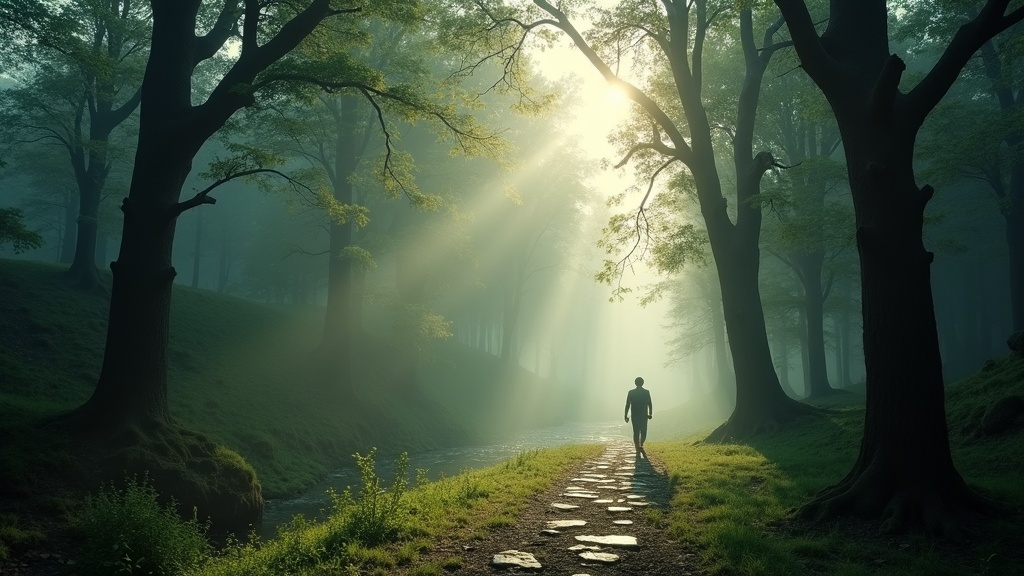
OpenAI's Sora 2 supports clips up to 20 seconds, the longest of any standard-tier model in this comparison. At $0.08 per second for 720p, a 20-second clip costs $1.60. The Pro version at $0.24 per second targets professional productions that demand maximum quality at 1080p.
Sora 2 excels at complex scene compositions with multiple subjects, natural camera movements, and coherent physics. Its multi-shot capability allows you to extend existing clips while maintaining visual consistency. Native audio and lip sync support have improved significantly since launch.
The main drawback is speed. Sora 2 generation times are noticeably longer than competitors, making it less suitable for rapid iteration. However, for final renders where quality is paramount, it remains one of the top choices.
Veo 3.1 — Google's Flagship
Google's Veo 3.1 comes in two tiers. The Standard variant at $0.12 per second ($0.24/s with audio) produces stunning 4K HDR output with lip sync, camera control, video extension, keyframe support, and even inpainting. An 8-second clip costs approximately $0.96 without audio or $1.92 with it.
The Fast variant halves the price to $0.06 per second ($0.09/s with audio) while delivering slightly lower quality. At $0.48 for an 8-second clip, it strikes an excellent balance for prototyping and iterative workflows.
Veo 3.1 supports character reference, style reference, and HDR, making it particularly strong for branded content where color accuracy and visual polish matter. If you are already embedded in the Google ecosystem, Veo integrates naturally with other Google AI services.
Hunyuan Fast — The Budget Champion
Tencent's Hunyuan Fast is the most affordable option by a wide margin. At just $0.03 per 5-second clip, you can generate 33 clips for the cost of a single Sora 2 clip. The catch is resolution (480p/640p) and limited capabilities: text-to-video only, no reference images, no negative prompts.
Despite these limitations, Hunyuan Fast is invaluable for storyboarding, proof-of-concept work, and bulk generation where you need dozens of variations before committing budget to a premium model. Many professional workflows use Hunyuan Fast for ideation and then re-generate selected scenes with Kling or Veo for final output.
Hailuo V2.3 (MiniMax) — The Style Specialist

Hailuo V2.3 from MiniMax delivers very good quality at a flat $0.23 per 6-second clip. It supports character reference, camera control, style reference, and a draft mode for even faster, cheaper previews.
Where Hailuo stands out is stylistic consistency. It handles anime, illustration, and stylized looks with more reliability than most competitors. For creators working in non-photorealistic styles, Hailuo often produces more coherent results than models optimized primarily for realism.
Pika 2.2 — Creative Control
Pika 2.2 from Pika Labs offers two notable variants. The standard text-to-video model costs $0.04 per second (720p) with native audio and lip sync. The Pikaframes variant, also at $0.04 per second, supports up to 5 keyframes, giving creators precise control over scene composition at specific timestamps.
At $0.20 for a 5-second clip, Pika 2.2 is competitively priced while offering features that premium models charge significantly more for. The keyframe system is particularly powerful for music videos, product reveals, and any content where timing and visual transitions need to be exact.
Luma Ray 3 — HDR and Editing
Luma Ray 3 at $0.25 per clip (5-9 seconds) is a strong mid-tier option with HDR output, character and style reference, keyframe support, video extension, and built-in video editing capabilities. The combination of generation and editing in a single model reduces the need for post-processing.
Luma Ray 3 also offers a draft mode for rapid previews before committing to a full-quality render. For teams that iterate heavily, this workflow saves both time and money.
Pricing Breakdown: What You Actually Pay
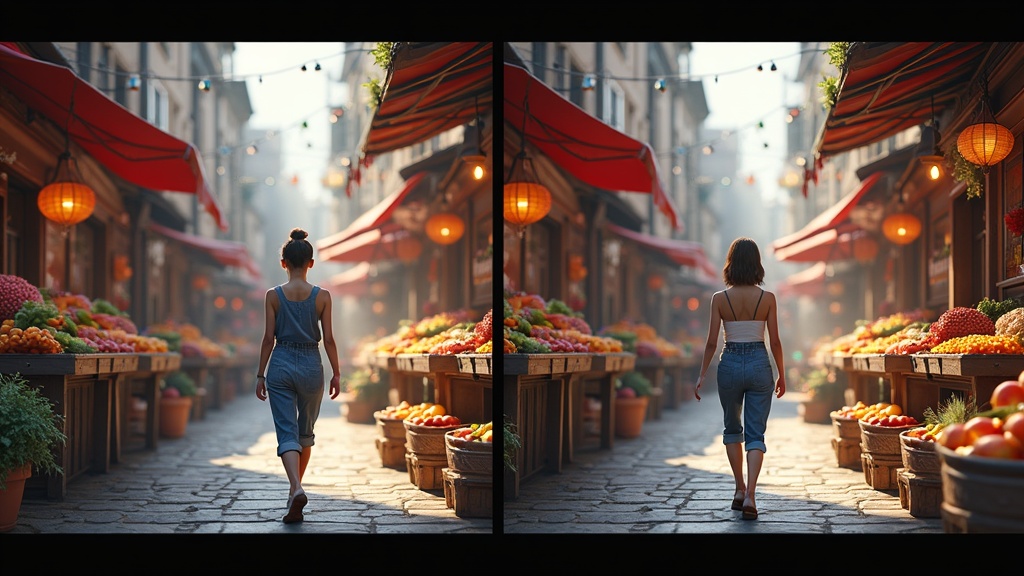
Here is what a typical 5-second clip costs across models at standard quality:
- Hunyuan Fast: $0.03 (cheapest by far)
- Pika 2.2: $0.20 (5s at $0.04/s)
- Kling 2.6 Standard: $0.20 (flat rate)
- Hailuo V2.3: $0.23 (flat rate, 6s)
- Luma Ray 3: $0.25 (flat rate)
- Veo 3.1 Fast: $0.30 (5s at $0.06/s)
- Sora 2: $0.40 (5s at $0.08/s)
- Kling 3.0 Omni: $0.50 (5s at $0.10/s)
- Veo 3.1 Standard: $0.60 (5s at $0.12/s)
- Kling 2.6 Pro: $0.33 (flat rate)
- Sora 2 Pro: $1.20 (5s at $0.24/s)
On DaVinciDreams, all of these models are available through a single unified interface. Cost estimations for every usage are shown in advance, and costs for media creation are similar to what you would pay on the big platforms like Kling, Sora, or Hunyuan directly. Check the Pricing page for current rates in your currency.
Save with Bring Your Own Key (BYOK)
If you already have API keys from providers like PiAPI, fal.ai, or OpenAI, DaVinciDreams supports BYOK (Bring Your Own Key). When you supply your own API key, the platform skips credit deduction entirely. You pay the provider directly at their raw API rates.
This makes DaVinciDreams attractive for power users and studios that already have provider relationships. You get the unified workflow, the AI film editor, and the script generator without paying double for API access.
How to Choose the Right Model
- Budget storyboarding: Start with Hunyuan Fast at $0.03/clip. Generate dozens of options, then promote the best to a premium model.
- Social media content: Kling 2.6 Standard ($0.20) or Pika 2.2 ($0.20) offer the best quality-to-price ratio for short clips.
- Professional filmmaking: Kling 3.0 Omni or Veo 3.1 Standard for 4K HDR with native audio. Budget $0.50-$1.00 per clip.
- Long-form narrative: Sora 2 supports up to 20-second clips and maintains consistency across extensions.
- Stylized/animated content: Hailuo V2.3 handles non-photorealistic styles more reliably than competitors.
- Precise timing control: Pika 2.2 Pikaframes with up to 5 keyframes per generation.
- Post-production workflow: Luma Ray 3 combines generation with built-in editing capabilities.
Using Multiple Models Together
The most effective production workflow in 2026 is not choosing a single model but combining several. A typical pipeline looks like this:
- Ideation: Generate 20-30 rough concepts with Hunyuan Fast ($0.60 total)
- Selection: Pick the 5 best compositions and re-generate with Kling 2.6 or Pika 2.2 ($1.00 total)
- Final render: Produce hero shots with Kling 3.0 Omni or Veo 3.1 Standard ($2.50-$5.00 total)
- Audio sync: Use models with native audio for dialogue scenes, add music separately
This tiered approach keeps total costs under $10 for a complete short film while maximizing quality where it matters most. DaVinciDreams is designed exactly for this workflow. Its AI script generator automatically assigns the optimal model per scene based on your budget and quality requirements.
Features That Matter in 2026
Beyond raw quality and pricing, several capabilities have become differentiators this year. Check the full breakdown on our features page.
- Native audio: Models like Kling 3.0, Sora 2, Veo 3.1, and Pika 2.2 generate synchronized audio alongside video, eliminating the need for separate sound design on many clips.
- Lip sync: Critical for dialogue scenes. Kling 3.0, Sora 2, Veo 3.1, and Pika 2.2 all support it, but quality varies. Kling 3.0 currently leads in lip sync accuracy.
- Character reference: The ability to maintain a character's appearance across multiple generations. Kling 3.0, Hailuo, and Luma Ray 3 offer the strongest character consistency.
- 4K HDR: Only Kling 3.0 Omni and Veo 3.1 offer true 4K output with HDR tone mapping. Others max out at 720p or 1080p.
- Keyframes: Pika 2.2 Pikaframes and Luma Ray 3 support multi-keyframe control for precise scene choreography.
Conclusion
There is no single best AI video generator in 2026. The right choice depends on your budget, quality requirements, and specific feature needs. For most creators, a combination of Hunyuan Fast (for drafts), Kling 2.6 or Pika 2.2 (for production clips), and Kling 3.0 Omni or Veo 3.1 (for hero shots) covers the full production spectrum.
DaVinciDreams unifies all seven generators (and more) into a single platform with a built-in timeline editor, script generator, and automatic model selection. You can switch between models mid-project, compare outputs side by side, and export final renders with transparent, predictable pricing. Start with the free tier to explore what each model can do, then scale up as your projects grow.