 DaVinciDreams
Style vidéo IA réaliste
Générez des séquences photoréalistes avec un éclairage naturel et des visuels de qualité documentaire à partir de simples descriptions textuelles.
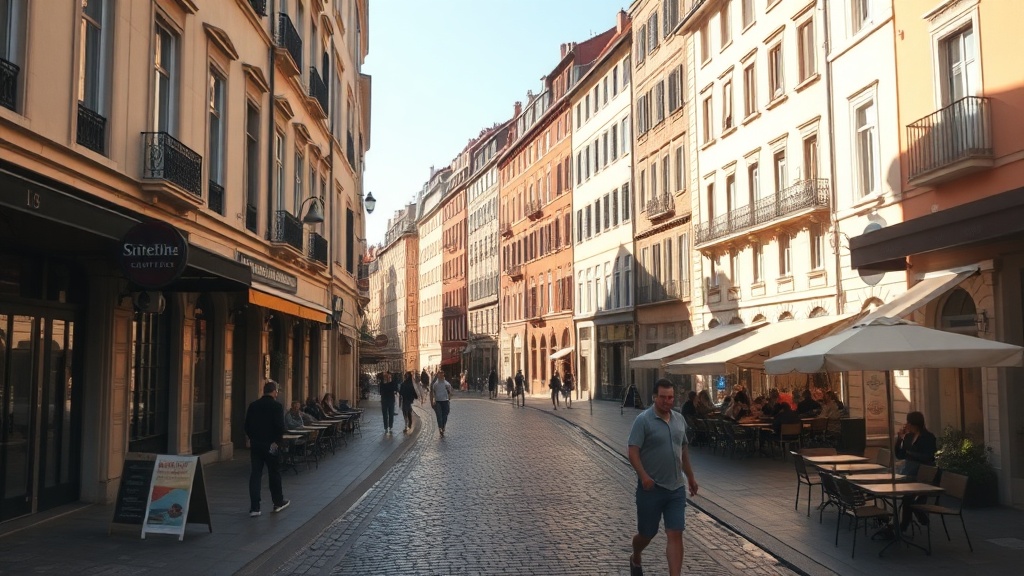 Create Réaliste Videos
Qu'est-ce que le style Réaliste ?
Le style réaliste dans DaVinciDreams produit des séquences qui imitent fidèlement ce qu'une caméra physique capture dans le monde réel. Chaque image privilégie l'éclairage naturel, des tons de peau précis, des textures fidèles à la réalité et des ombres physiquement plausibles. L'esthétique s'inspire du cinéma documentaire et du photojournalisme, où l'authenticité est primordiale et l'artificiel est une distraction. Ce style est idéal lorsque votre audience doit croire ce qu'elle voit — démonstrations de produits, vidéos de formation, repérage virtuel de lieux ou films narratifs ancrés dans le quotidien. Contrairement aux préréglages stylisés qui s'affichent comme des interprétations artistiques, le style réaliste vise l'invisibilité : le spectateur doit se concentrer sur le contenu, pas sur la technique. DaVinciDreams y parvient en ajoutant des directives de photoréalisme, d'éclairage naturel et de sensibilité documentaire aux prompts, guidant les modèles d'IA vers des résultats qui franchissent le test de la vallée de l'étrange. Le résultat est un métrage qui semble capturé plutôt que généré, offrant aux créateurs un point de départ pratique pour des projets vidéo professionnels exigeant de la crédibilité.
Création de vidéos réalistes avec l'IA
Lorsque vous sélectionnez le style réaliste dans DaVinciDreams, le système améliore automatiquement vos prompts avec le préfixe « photoréaliste, éclairage naturel, style documentaire ». Cela guide le modèle d'IA vers des résultats avec une perspective correcte, des sources lumineuses cohérentes et des détails environnementaux subtils comme l'occlusion ambiante et la brume atmosphérique. Vous pouvez affiner davantage le rendu avec quatre contrôles de détail. Le sélecteur de palette de couleurs vous permet de choisir entre automatique, chaud, froid, désaturé ou monochrome — chaud fonctionne bien pour les extérieurs à l'heure dorée, tandis que désaturé convient aux scènes urbaines nuageuses. Le grain de film peut être réglé sur propre pour un aspect numérique impeccable, léger pour une subtile texture analogique, ou intense pour un style reportage brut. Les modes d'éclairage couvrent automatique, high-key, low-key, heure dorée et heure bleue, chacun modifiant l'ambiance générale sans rompre le photoréalisme. Enfin, le style de caméra alterne entre des travellings fluides, des mouvements caméra à l'épaule, des plans fixes statiques et des mouvements dramatiques type grue. Ensemble, ces contrôles vous offrent les nuances d'un vrai département caméra tout en gardant chaque image ancrée dans la réalité physique.
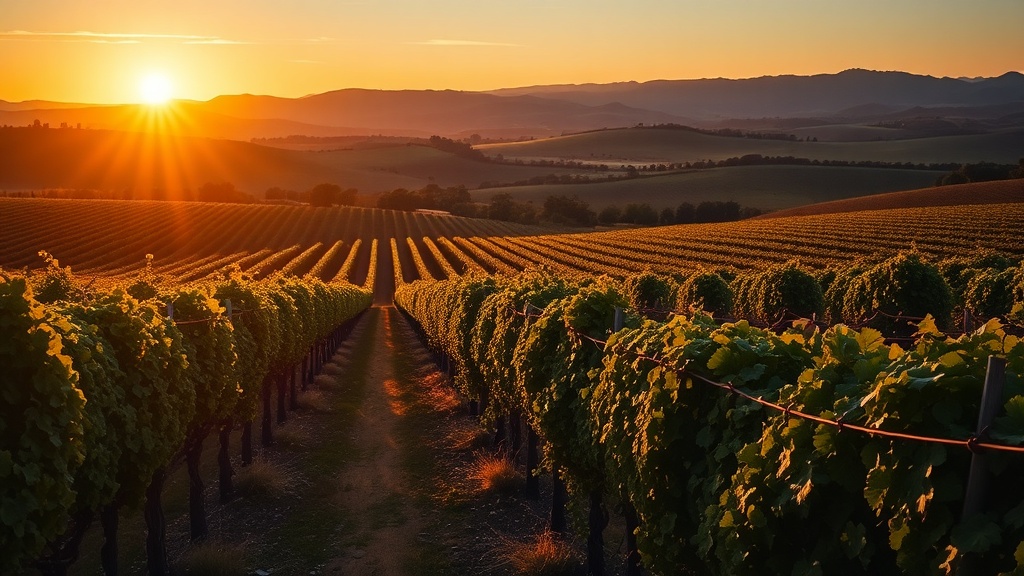
Meilleurs modèles pour le style Réaliste
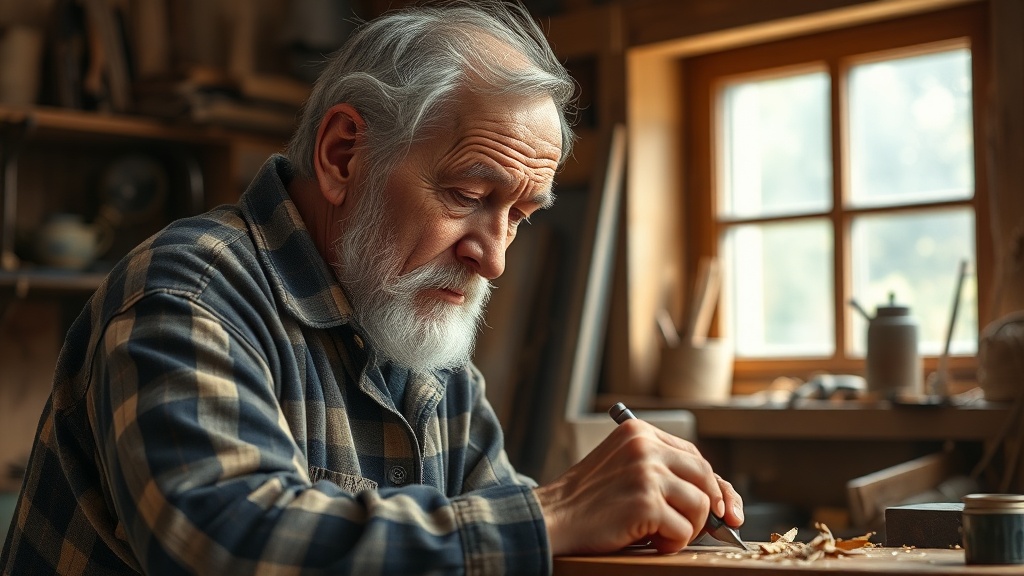
Le photoréalisme exige des modèles entraînés sur des jeux de données du monde réel à grande échelle avec une solide compréhension de la physique de la lumière et de l'anatomie humaine. Pour la génération vidéo, Kling 2.6 Pro offre un détail de peau exceptionnel et un mouvement naturel jusqu'en 1080p, ce qui en fait le meilleur choix pour les scènes réalistes avec des personnes. Veo 3.1 Fast propose un solide équilibre entre vitesse et fidélité, excellant dans les paysages extérieurs et les sujets architecturaux où la cohérence de l'éclairage est importante. Wan 2.6 gère les compositions complexes multi-sujets sans perdre de réalisme dans les éléments d'arrière-plan. Côté images, FLUX Dev produit des photos avec une précision de texture remarquable — tissus, gouttes d'eau et feuillages se rendent avec une crédibilité tactile. FLUX 1.1 Pro augmente la résolution pour les plans principaux qui doivent résister à un affichage plein écran. Pour les flux de travail avec image de référence, Ideogram 3.0 maintient la cohérence photoréaliste lorsque vous fournissez des références de personnages ou d'environnements, assurant la continuité visuelle entre les scènes. Tous ces modèles répondent bien au préfixe de prompt réaliste et bénéficient des contrôles de détail décrits ci-dessus.
Specifications
Key Features
FAQ
Qu'est-ce que le style Réaliste dans DaVinciDreams ?
Le style Réaliste génère des vidéos et images IA photoréalistes qui imitent le métrage d'une vraie caméra. Il utilise un éclairage naturel, des tons de peau précis et des visuels de qualité documentaire pour produire des résultats réalistes. Chaque prompt est automatiquement amélioré avec des directives de photoréalisme et d'éclairage naturel.
Quels modèles d'IA fonctionnent le mieux avec le style Réaliste ?
Kling 2.6 Pro offre le meilleur détail de peau et mouvement naturel pour la vidéo. Veo 3.1 Fast excelle dans les paysages extérieurs avec un éclairage cohérent. Pour les images fixes, FLUX Dev et FLUX 1.1 Pro produisent les textures les plus tactiles et crédibles.
Puis-je personnaliser le style Réaliste ?
Oui. Vous pouvez ajuster la palette de couleurs (chaud, froid, désaturé, monochrome), l'intensité du grain de film (propre, léger, intense), le mode d'éclairage (high-key, low-key, heure dorée, heure bleue) et le style de caméra (fluide, caméra à l'épaule, statique, dramatique). Ces contrôles vous permettent d'affiner le rendu sans rompre le photoréalisme.