 DaVinciDreams
MMAudio (Video-to-Audio): AI Sound Effects in DaVinciDreams
Generate professional audio content with MMAudio (Video-to-Audio) by PiAPI. $0.00 / sec. Integrated into the DaVinciDreams AI film editing platform with real-time preview, multi-track timeline, and BYOK support.
 Start Creating
What is MMAudio (Video-to-Audio)?
MMAudio (Video-to-Audio) is a sound effects model from PiAPI available in DaVinciDreams. It processes text and video input and generates audio up to 30 seconds long. Priced at $0.00 / sec, it is one of the most affordable options in its category. Within DaVinciDreams, MMAudio (Video-to-Audio) is used to generate voiceover narration, dialogue, sound effects, or background music for your film projects. Generated audio clips are placed on dedicated audio tracks in the multi-track timeline, where you can adjust volume, apply trim points, and synchronize them precisely with your video clips. The AI handles the audio production; you control the mix and timing.
Key Capabilities of MMAudio (Video-to-Audio)
MMAudio (Video-to-Audio) creates sound effects from text descriptions. Describe the sound you need — footsteps on gravel, a door creaking, thunder rolling — and the model generates a matching audio clip. Generated effects can be up to 30 seconds long and are placed on the timeline alongside your video and music tracks. The DaVinciDreams editor provides volume control, trim points, and layer positioning so every sound effect lands at exactly the right moment in your film. This approach replaces traditional sound effect libraries with AI-generated audio tailored to your specific scenes.
Using MMAudio (Video-to-Audio) in DaVinciDreams
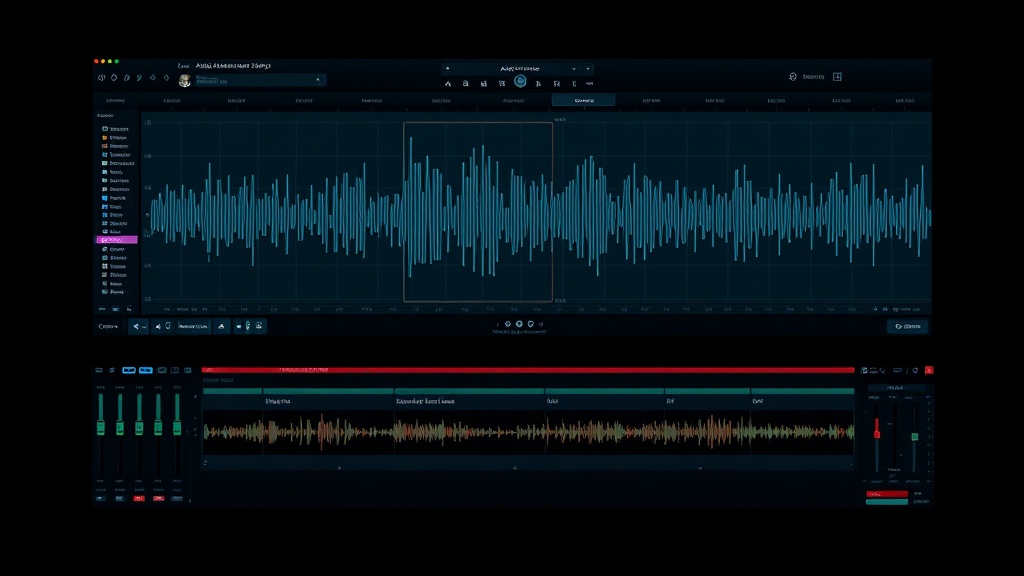
MMAudio (Video-to-Audio) integrates into DaVinciDreams through both the Script Generator and the direct editor workflow. During script generation, the system automatically assigns MMAudio (Video-to-Audio) to produce sound effects for each scene. In the editor, you create audio prompts manually, select MMAudio (Video-to-Audio), configure parameters like duration and style, and generate. Audio clips arrive on dedicated timeline tracks where the AudioMixer handles volume, panning, and synchronization. The BYOK system accepts PiAPI API keys for cost reduction. Generated audio is stored in R2 and served via CDN.
Specifications
Key Features
FAQ
How much does MMAudio (Video-to-Audio) cost?
MMAudio (Video-to-Audio) costs $0.00 / sec through the DaVinciDreams platform. DaVinciDreams applies a configurable markup to API costs (default 40%). If you bring your own API key (BYOK), you pay the provider directly at their listed rate with no platform markup, saving up to 40%.
What can I create with MMAudio (Video-to-Audio)?
MMAudio (Video-to-Audio) creates sound effects from text descriptions. Generate footsteps, ambient noise, explosions, weather sounds, and any other audio effect your scenes require.
Can I use my own API key with MMAudio (Video-to-Audio)?
Yes, DaVinciDreams supports Bring Your Own API Key (BYOK) for MMAudio (Video-to-Audio). You can add your PiAPI API key in your account settings. When a valid key is detected, the platform routes your generation requests through your own account, bypassing the credit system entirely. This saves up to 40% on the audio generation cost compared to using platform credits.