 DaVinciDreams
OpenAI TTS: AI Text-to-Speech in DaVinciDreams
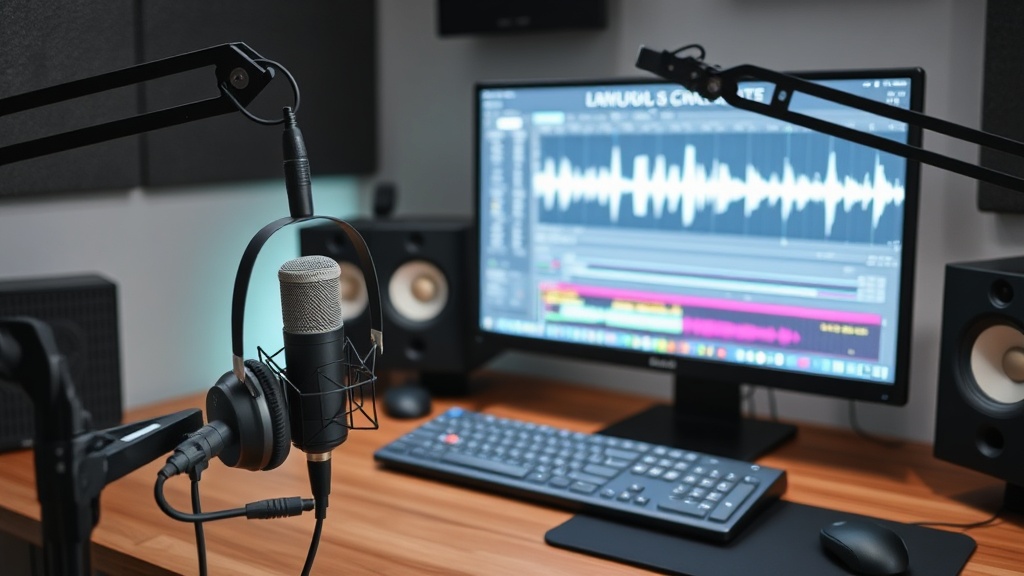
Generate professional audio content with OpenAI TTS by OpenAI. $15.00 / 1M chars. Integrated into the DaVinciDreams AI film editing platform with real-time preview, multi-track timeline, and BYOK support.
 Start Creating
What is OpenAI TTS?
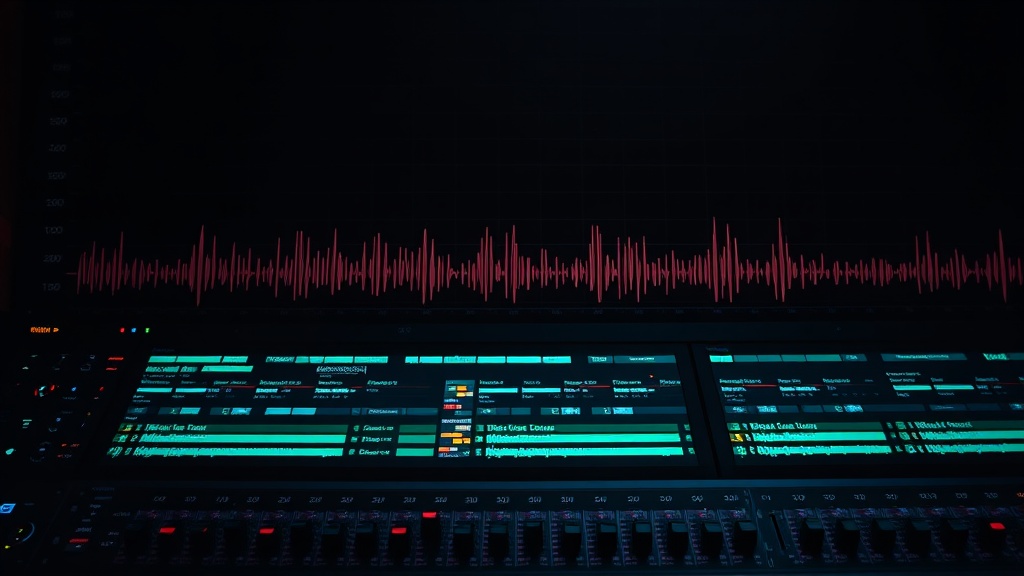
OpenAI TTS is a text-to-speech model from OpenAI available in DaVinciDreams. It processes text input and generates audio up to 600 seconds long. Priced at $15.00 / 1M chars, it is competitively priced for its capabilities. Within DaVinciDreams, OpenAI TTS is used to generate voiceover narration, dialogue, sound effects, or background music for your film projects. Generated audio clips are placed on dedicated audio tracks in the multi-track timeline, where you can adjust volume, apply trim points, and synchronize them precisely with your video clips. The AI handles the audio production; you control the mix and timing.
Key Capabilities of OpenAI TTS
OpenAI TTS specializes in converting written text into natural-sounding speech. It supports multiple voices and languages, making it suitable for narration, character dialogue, and multilingual film productions. Voice parameters like stability and similarity can be adjusted to control how expressive or consistent the output sounds. Generated speech integrates directly onto audio tracks in the DaVinciDreams timeline, where precise synchronization with video clips is handled through trim points and volume keyframes. The model processes text input and delivers audio output, completing the pipeline from written script to spoken dialogue.
Using OpenAI TTS in DaVinciDreams
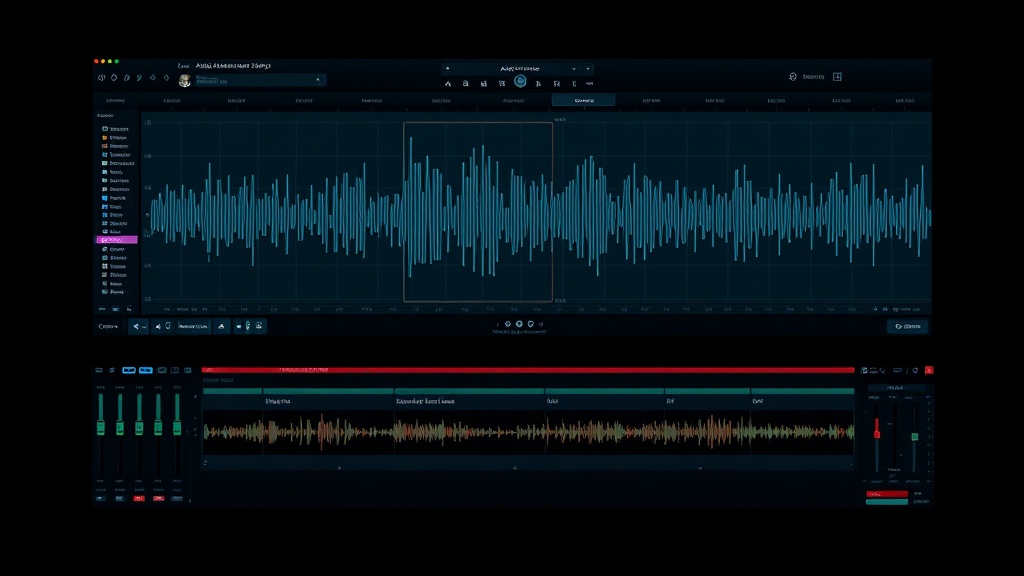
OpenAI TTS integrates into DaVinciDreams through both the Script Generator and the direct editor workflow. During script generation, the system automatically assigns OpenAI TTS to produce voiceover and dialogue for each scene. In the editor, you create audio prompts manually, select OpenAI TTS, configure parameters like voice, language, and stability, and generate. Audio clips arrive on dedicated timeline tracks where the AudioMixer handles volume, panning, and synchronization. The BYOK system accepts OpenAI API keys for cost reduction. Multilingual support (English, German, Spanish, French, Chinese, Hindi) matches the platform localization.
Specifications
Key Features
FAQ
How much does OpenAI TTS cost?
OpenAI TTS costs $15.00 / 1M chars through the DaVinciDreams platform. DaVinciDreams applies a configurable markup to API costs (default 40%). If you bring your own API key (BYOK), you pay the provider directly at their listed rate with no platform markup, saving up to 40%.
What can I create with OpenAI TTS?
OpenAI TTS converts written text into natural-sounding speech in multiple voices and languages. Use it for narration, character dialogue, voiceover, and any spoken audio in your film projects.
Can I use my own API key with OpenAI TTS?
Yes, DaVinciDreams supports Bring Your Own API Key (BYOK) for OpenAI TTS. You can add your OpenAI API key in your account settings. When a valid key is detected, the platform routes your generation requests through your own account, bypassing the credit system entirely. This saves up to 40% on the audio generation cost compared to using platform credits.