 DaVinciDreams
FLUX Kontext Max Multi: AI Image in DaVinciDreams
Generate professional image content with FLUX Kontext Max Multi by fal.ai. $0.08 / gen. Integrated into the DaVinciDreams AI film editing platform with real-time preview, multi-track timeline, and BYOK support.
 Start Creating
What is FLUX Kontext Max Multi?
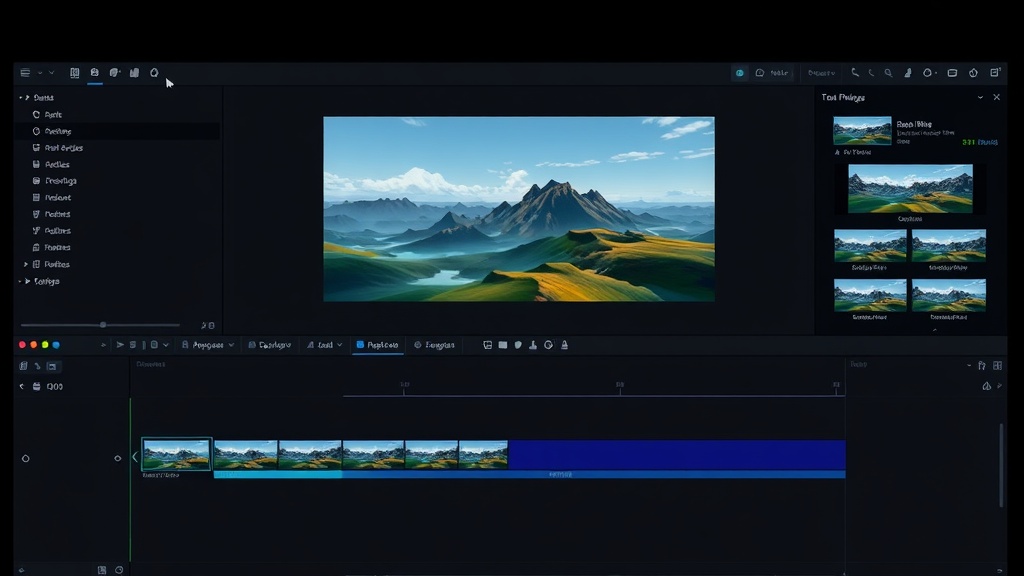
FLUX Kontext Max Multi is an AI image generation model from fal.ai integrated into DaVinciDreams. It creates high-quality images from text and image prompts, priced at $0.08 / gen. This makes it competitively priced for its capabilities. FLUX Kontext Max Multi is used within DaVinciDreams to generate storyboard frames, scene backgrounds, character portraits, and reference images for your film projects. Every image generated is stored as an asset in your project and can be placed on the multi-track timeline as a still frame, used as a reference for video generation, or exported directly. The model supports various output formats and can be configured through the parameter panel in the editor workspace.
Key Capabilities of FLUX Kontext Max Multi
FLUX Kontext Max Multi provides capabilities tailored for creative image production. Notable features include reference image input for style or character matching, character reference preservation across generations, seed-based reproducibility for consistent results. The model outputs in PNG, JPEG formats. Within DaVinciDreams, generated images serve as storyboard frames, background plates, character portraits, and input references for video generation models. The parameter panel exposes all configurable settings, including aspect ratio, quality level, and model-specific options, so you maintain full creative control over every generation.
Using FLUX Kontext Max Multi in DaVinciDreams
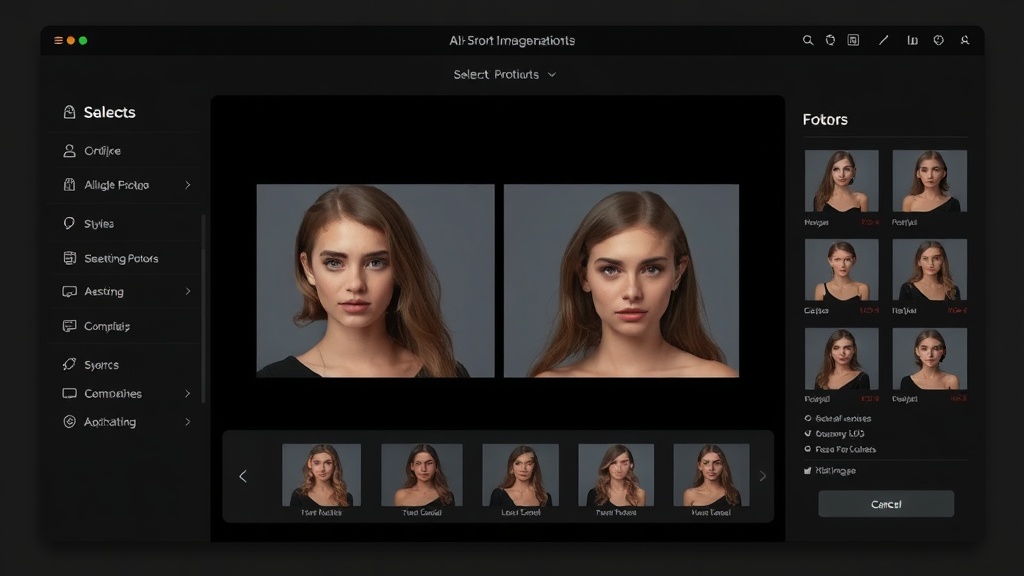
FLUX Kontext Max Multi is available in two workflows within DaVinciDreams. In the Script Generator wizard, you select it as your image model and the system generates scene backgrounds, character portraits, and storyboard frames automatically. In the editor, you can generate individual images by creating a new prompt, selecting FLUX Kontext Max Multi from the model dropdown, and entering your description. Generated images appear in your project asset panel and can be placed on the timeline as still frames with configurable duration. The BYOK system supports fal.ai API keys, letting you use your own account for direct cost savings. All images are stored in Cloudflare R2 with zero-egress CDN delivery for fast loading.
Specifications
Key Features
FAQ
How much does FLUX Kontext Max Multi cost?
FLUX Kontext Max Multi costs $0.08 / gen through the DaVinciDreams platform. DaVinciDreams applies a configurable markup to API costs (default 40%). If you bring your own API key (BYOK), you pay the provider directly at their listed rate with no platform markup, saving up to 40%.
What can I create with FLUX Kontext Max Multi?
FLUX Kontext Max Multi generates images from text and image prompts. You can create storyboard frames, character portraits, scene backgrounds, concept art, and reference images for your film projects. Output is available in PNG, JPEG format.
Can I use my own API key with FLUX Kontext Max Multi?
Yes, DaVinciDreams supports Bring Your Own API Key (BYOK) for FLUX Kontext Max Multi. You can add your fal.ai API key in your account settings. When a valid key is detected, the platform routes your generation requests through your own account, bypassing the credit system entirely. This saves up to 40% on the image generation cost compared to using platform credits.